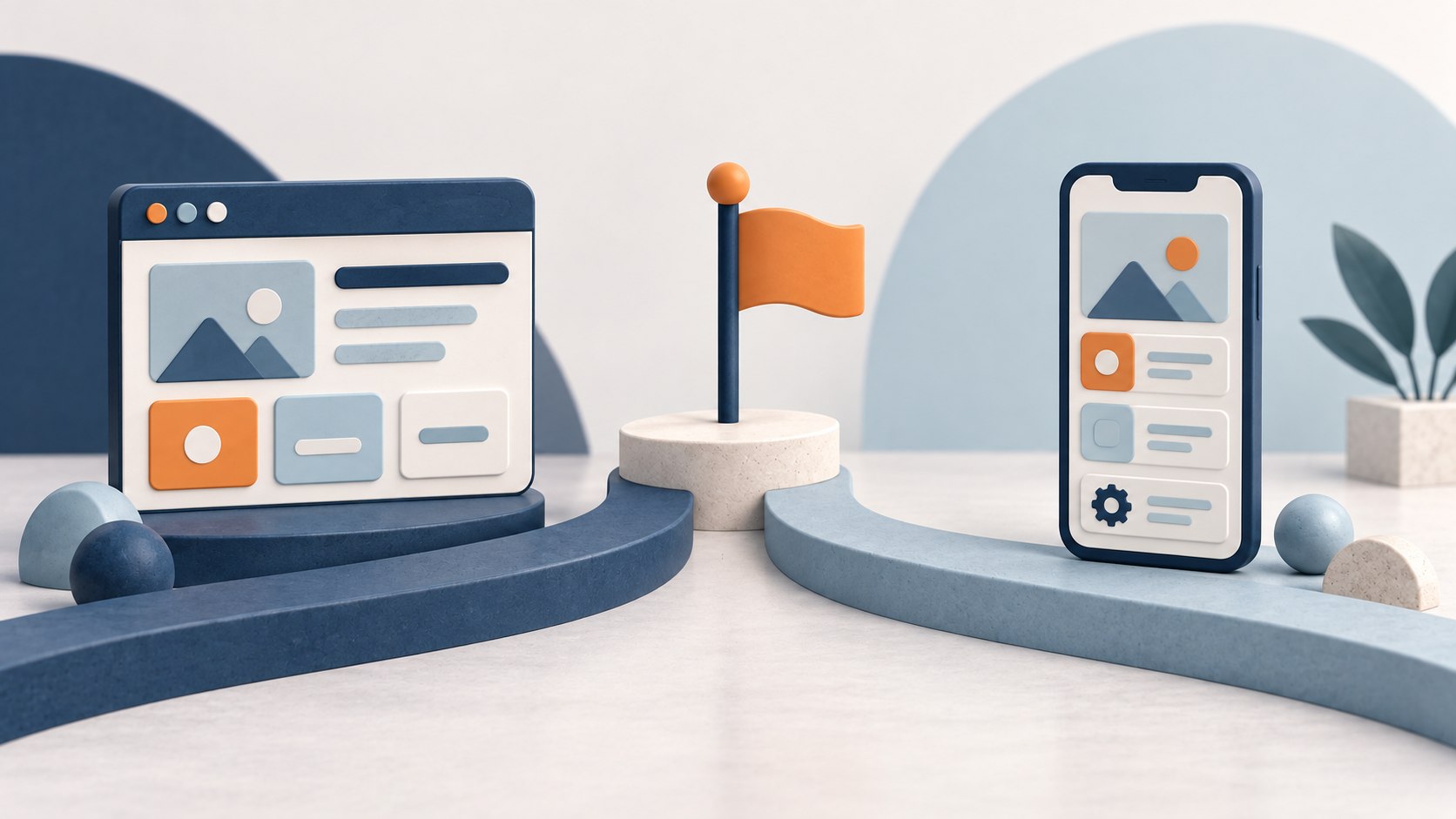
What is the difference between a web app and a mobile app?
Web applications run in a browser
A standard website mainly presents information. A web application lets people work with business data and complete tasks. Customer portals, booking systems, staff tools, dashboards, pricing calculators and administration platforms are common examples.
A web app can still be a sophisticated, secure and database-driven system with accounts, permissions, payments, notifications and integrations. Responsive design lets it work across computers, tablets and phones without app-store installation.
Mobile applications are installed on a device
An installed mobile app is designed for smartphones or tablets, usually on iOS, Android or both. It can provide a focused experience using push notifications, cameras, location services, Bluetooth or biometric authentication. Offline storage and background activity may also be possible where supported.
Many mobile apps still connect to online systems for accounts, shared data, payments and administration. Installation does not automatically provide offline working; that behaviour must be developed.
Where does a Progressive Web App fit?
A Progressive Web App, or PWA, uses web technology but adds selected app-like capabilities. On supported devices it can be added to the home screen, launch without the usual browser interface, cache selected information and send web push notifications.
Updates remain centralised, but installation, push, offline behaviour and hardware access vary across browsers and operating systems. On an iPhone or iPad, for example, web push requires a supported Home Screen web app and user permission. A PWA can be a useful middle ground, but it should be tested on the devices the business actually needs to support.
Responsive web app, PWA and mobile app compared
| Business consideration | Responsive web app | PWA | Installed mobile app |
|---|---|---|---|
| Access and distribution | Open a link; no installation or store. | Open on the web or add to a supported device. | Usually install from a store or managed channel. |
| Desktop and mobile | Can serve browsers on all common device sizes. | Broad web access with app-like behaviour where supported. | Built primarily for supported phones and tablets. |
| Offline use | Selected behaviour can be built. | Can cache screens and data where supported. | Can provide substantial local functionality; synchronisation still needs development. |
| Notifications | Email, SMS and some browser notifications. | Web push on supported devices with permission. | Established push services, subject to permission and platform rules. |
| Device hardware | Many browser-supported features, with limits. | Web capabilities enhanced on supporting devices. | Often deeper or more consistent integration. |
| Updates and maintenance | Central updates; hosting, security and browser testing continue. | Central updates plus caching and compatibility checks. | Device, operating-system, server and store maintenance may apply. |
| Typical fit | Portals, booking, administration and reporting. | Regular cross-device use needing selected app features. | Frequent mobile, field or device-dependent work. |
Start with who will use it, where and how often
Installation adds a step. A customer booking every few months may prefer a direct link; an employee updating jobs all day may benefit from a dedicated app; a manager comparing reports may need a laptop and several browser tabs.
Frequent users may value a home-screen app and notifications, while occasional users may not. The benefit must justify asking people to download and retain it.
When is a web app the better choice?
A responsive web app often provides greater value when immediate access matters and device-specific features are not central.
- Customer booking: occasional customers can book, pay or amend without installation. A booking system can still manage complex rules behind that journey.
- Administration: office staff can use larger screens, keyboards and multiple tabs to manage records efficiently.
- Customer portals: users can securely view documents, invoices or service history from different devices.
- Reporting: managers can review dashboards from authorised computers or tablets.
Web does not mean basic. The Nursery Task App case study documents a browser-based platform with organisations, users, recurring tasks, completion records and payment processes.
When is a mobile app worth developing?
An installed app is worth investigating when the device is part of how the work gets done.
- Field work: staff repeatedly update jobs, take photographs or work with poor connectivity.
- Frequent use: returning customers or members value direct home-screen access.
- Time-sensitive updates: booking changes or work assignments justify push notifications.
- Device-dependent tasks: deeper camera, location, Bluetooth or biometric access is required.
These justify assessing mobile app development, but a responsive web app or PWA may still cover the task.
Offline functionality has to be designed
Web apps usually need connectivity for server operations, but can retain selected data. PWAs can cache content, while installed apps can store information locally. Every useful offline workflow still has to be designed.
If a field worker records notes and photographs without reception, the app must store them safely, show their status and upload them later. It also needs rules for conflicts if office staff change the same job meanwhile. Offline work therefore adds storage, security, synchronisation and testing, not just a switch labelled “offline”.
Notifications are not exclusive to mobile apps
Email and SMS support both approaches. Browser notifications, PWA web push and installed-app push are also available in their supported environments.
Delivery depends on permission, settings, connectivity and platform behaviour. Decide which events warrant an interruption, which can wait for email and how users control preferences.
How platform choice affects cost and maintenance
Mobile work may include store accounts, release assets, submissions and device testing. Both approaches can require hosting, databases, APIs, security updates, integrations and administration.
Mobile is not always more expensive: a focused app could cost less than a web system with complex permissions and integrations. Features and business rules often influence app development cost more than the platform name. Multiple interfaces add design, testing and maintenance.
Native and cross-platform mobile development
Native development uses platform-specific technologies. Cross-platform frameworks such as React Native or Flutter can share substantial code across iOS and Android. Both produce installed apps.
Shared code can reduce duplication, but not device testing, store releases or every platform-specific task. The right choice follows required capabilities and maintenance; neither is automatically better or quicker.
When does a business need both mobile and web?
Different users often need different interfaces. A job management system might give field workers a mobile app while office staff schedule work in a browser. A shared database and API can keep both working with the same information.
The MyNetworx case study demonstrates this model: members use an iOS and Android app while administrators use a connected web platform. Each group receives an interface suited to its work.
Four practical decision scenarios
| Scenario | Likely starting point | Reason |
|---|---|---|
| Appointment business | Responsive web app | Occasional customers need immediate access. |
| Mobile workforce | Installed app or assessed PWA | Camera, location or offline work may matter. |
| Customer portal | Responsive web app | Customers use varied devices and visit occasionally. |
| Membership network | Mobile plus web administration | Members and administrators have different needs. |
These are illustrations, not fixed rules. Actual users and constraints may lead to a different answer.
Can you start with one platform and add another later?
One route is to build the core system, launch a responsive web app, study usage and add mobile for tasks that benefit from installation. A planned shared backend can help, although another interface still requires design, development and testing.
If offline field work or device capabilities are essential, mobile may be the better first release. Include either expansion path in the app development timeline.
How to decide which type of app your business needs
- Who will use it, on which devices and how frequently?
- Could installation deter occasional users?
- Are offline use, push or hardware access essential?
- What administration, reporting and integrations sit behind it?
- Could a responsive web app or PWA deliver the same benefit?
- Who will maintain the infrastructure and future releases?
Choose the experience that fits the work
The right application makes the process easier for its users; it is not necessarily the one in an app store. Customers may need a link, field staff a mobile workflow and administrators a connected browser interface.
Probeck’s App Development and Bespoke Applications services cover each route. The useful starting point is users, tasks and constraints.
Web app and mobile app FAQs
Is a web app the same as a website?
Both use a browser, but a web app usually lets people sign in, work with data and complete tasks; a website mainly presents information.
Are web applications cheaper to develop?
Not necessarily. App-store work may be avoided, but features, permissions, integrations and business rules determine the overall scope.
Does my business need an app in an app store?
Only when installation creates useful value or is expected by users. A strong browser experience may meet the requirement without it.
Can a business have a mobile app and web portal?
Yes. They can serve different users while sharing one database and underlying business system.