Booking & management application
Hawkes Walks
A customer booking, staff scheduling and invoicing system built around the way the business operates.
Outcome: Turnover, staff and customer base tripled in approximately 18 months.
Read the case studyApp development / built around how you work
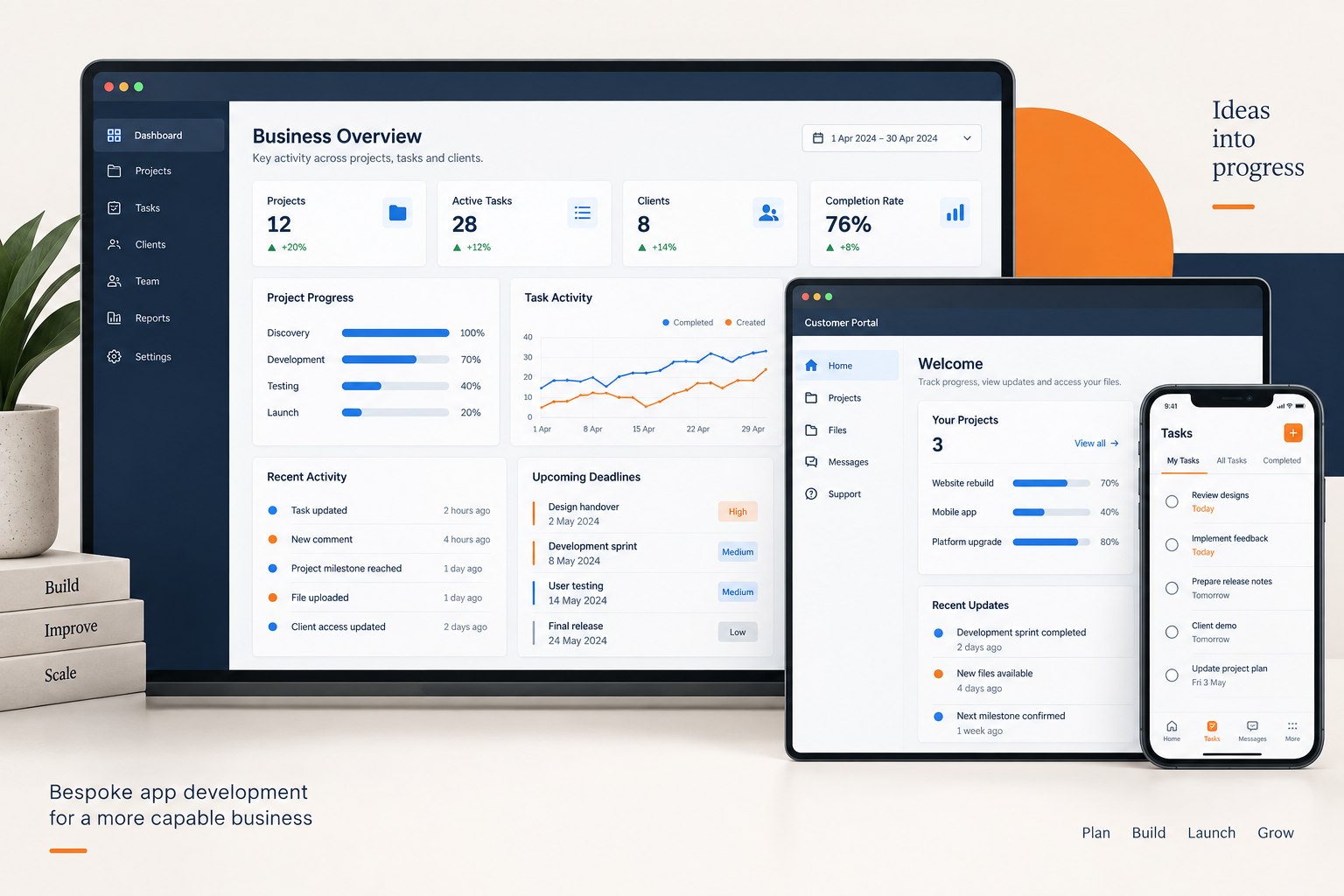
When everyday work depends on awkward software or manual processes, a better fit can make a difference. Probeck builds web apps, customer portals, business systems, automation and mobile apps around what you need to achieve.
Bring a problem, an idea or a spreadsheet. You don't need to arrive with a technical specification.
Previous work
See how bespoke mobile apps, web applications and connected platforms support real work across different industries.
Booking & management application
A customer booking, staff scheduling and invoicing system built around the way the business operates.
Outcome: Turnover, staff and customer base tripled in approximately 18 months.
Read the case study
Golf website and mobile apps
A website, iOS and Android apps, and a bespoke backend for managing golf events, recording scores and publishing live leaderboards.
Outcome: Players, organisers and spectators can follow competition standings as scores are recorded.
Read the case studyBusiness networking mobile app
A cross-platform mobile app for members, connected to a bespoke web platform for organisations and administrators.
Outcome: Members get focused mobile access while administrators manage the wider network through the connected platform.
Read the case studyNursery task management web app
A subscription web application for organising recurring nursery responsibilities and recording completed work.
Outcome: Staff and managers can organise tasks, record completion and review outstanding work in one system.
Read the case studyMore than a phone app
An app is software that helps someone do something. A web application runs in a browser; an installed mobile app is another way to deliver it.
Your app might let customers book appointments, give staff a shared dashboard, manage jobs or connect orders to payments. It could also be an automated process that works behind the scenes.
Start with the task and the people using it. Where the app runs should follow from that.
Sound familiar?
Look for repeated friction: time spent moving information, work getting missed or customers finding it difficult to use your service.
A clearer process or a connection between existing tools may be enough. A new app isn't always the first answer.
Connecting systems can reduce rekeying and make it clearer which record is up to date.
A shared workflow can help staff track responsibilities, progress and exceptions in one place.
A booking system or portal can give them a clearer route to appointments, information and payments.
Identify the gaps that matter before deciding whether to adapt, connect or replace it.
Define who needs it and what a useful first version must do. A prototype can help test assumptions before a larger build.
What Probeck builds
These categories often overlap. A business system might include a customer portal, booking workflow and payment integration.
Browser-based tools for staff or customers: dashboards, shared workspaces and customer-facing services without an app-store download.
A place for customers to view progress, share documents, request work or manage their account, with access appropriate to each user.
Manage availability, reservations, changes and confirmations. Deposits or payments can be part of the workflow.
Connect jobs, customers, resources and reporting around your operation, including internal administration tools.
Move work through approvals, reminders and handovers. Keep people involved where a decision needs judgement.
Connect existing systems and payment providers so information can move between them. Feasibility depends on the access each provider allows.
An installed app where the way people work or the device capabilities justify it. Consider browser-based options before adding another platform to maintain.
Describe what needs to happen, who is involved and what a successful outcome looks like. Those details matter more than choosing a product label.
Choose the right route
Start with the outcome and choose the least complicated route that fits it well.
From conversation to a working app
Your knowledge of the business shapes the app. This is the likely journey; the detail belongs in your agreed project plan.
Identify the people, the current process and the outcome that matters.
Your partBring examples, priorities and any fixed budget or deadline.
Choose the launch essentials and expose integrations, risks and costs.
Your partExplain the rules and involve the people who can make decisions.
Map the important screens and tasks before the full build.
Your partCheck the proposed workflow with real users.
Develop and review the agreed features against the plan.
Your partGive coordinated feedback and resolve questions promptly.
Check permissions, integrations, real tasks and failure states.
Your partTest with representative users and verify any migrated data.
Deploy, hand over access and agree the next priorities.
Your partPrepare users and confirm day-to-day ownership.
Understand the cost
The work behind the screens matters as much as what you can see. Two simple-looking apps can have very different development costs.
Allow for hosting, monitoring, backups, support, security updates and third-party charges. A focused first release can control the initial scope; the proposal should separate essentials, later improvements and ongoing costs.
Planning a realistic launch
Timescale follows scope, dependencies and the speed of decisions.
Workflows, integrations, data, access, feedback and testing can all affect delivery. If the date is fixed, agree the smallest useful release and protect time for testing.
How long does app development take?Launch starts the app's working life. Agree these responsibilities before it goes live.
Hosting, monitoring, backups and recovery.
Security, browser, device and integration changes.
User reports, response routes and support hours.
Prioritised feedback, features, scope and cost.
Questions before you commit
Useful answers about the build, the practical limits and what to agree before work starts.
A web app runs in a browser; a mobile app is installed on a device. Choose around the task, required device features, connectivity and maintenance.
Not necessarily. A browser-based app may be enough. Installation becomes more useful when offline work, device features, notifications or frequent use matter.
Potentially. First map the rules and exceptions people handle today; the right answer may be a bespoke app, an integration or a smaller process improvement.
Often, if that software provides suitable access. Its API permissions, limits, reliability and costs must be checked before a live connection is promised.
The proposal should state ownership, source-code access, licences and account control. Third-party services and licensed components may have separate terms.
Support covers the agreed arrangement; a new feature needs its scope, impact and cost assessed. User feedback can help prioritise what comes next.
Possibly, after reviewing its code, documentation, hosting, licences and access. That review shows whether maintenance, improvement or rebuilding is practical.
Features, permissions, integrations, data and testing shape the price. The pricing section and full cost guide explain these factors in more detail.
Scope, integrations, access, feedback and testing shape the schedule. Agree the dependencies and smallest useful release before relying on a date.
The Knowledge Centre
Use these published guides to compare costs, platforms, timescales and suppliers.
Scope, inclusions and the costs beyond launch.
Read the guideChoose around the tasks, users and devices.
Read the guideCompare fit, ongoing costs and trade-offs.
Read the guideWhat to agree about scope, access and support.
Read the guideThe dependencies that shape a realistic schedule.
Read the guide